 multifretted
 Your guitar practice, on one bench.
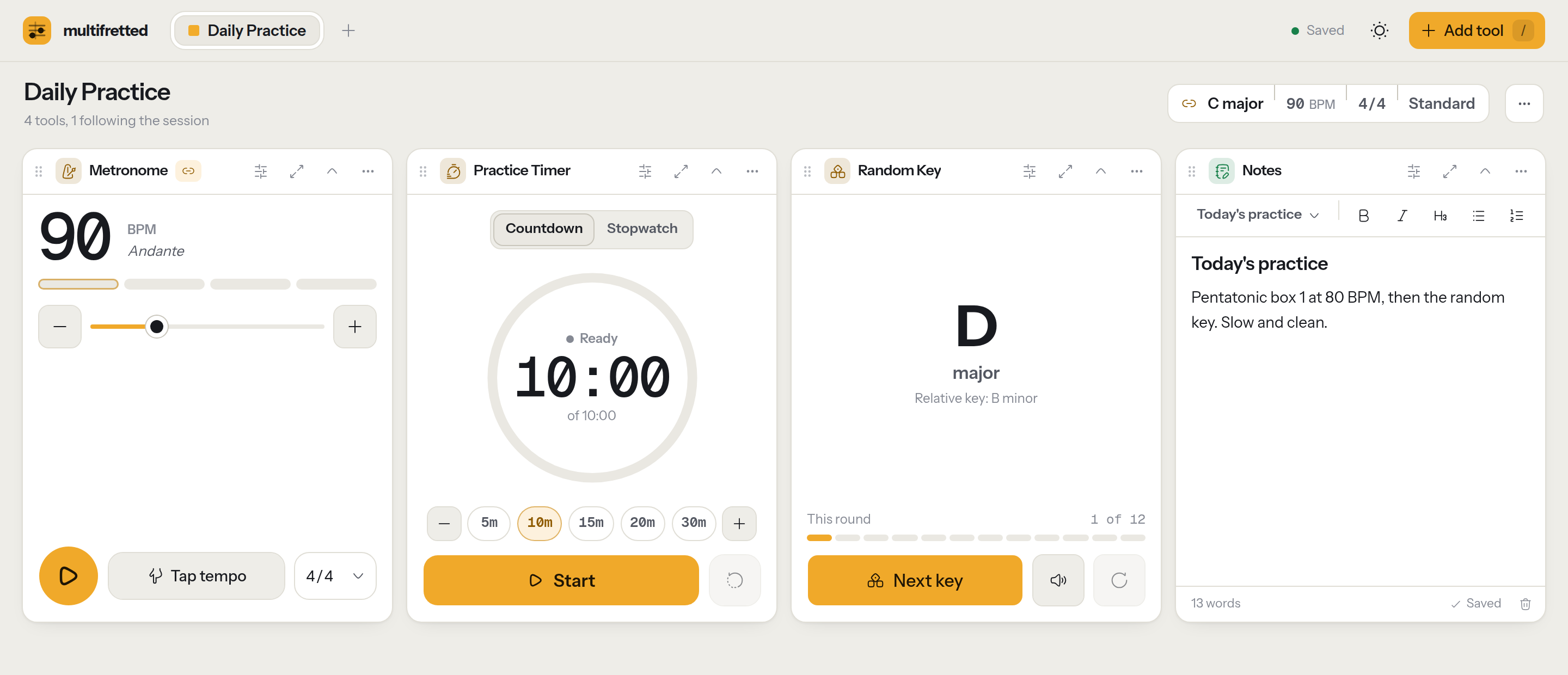
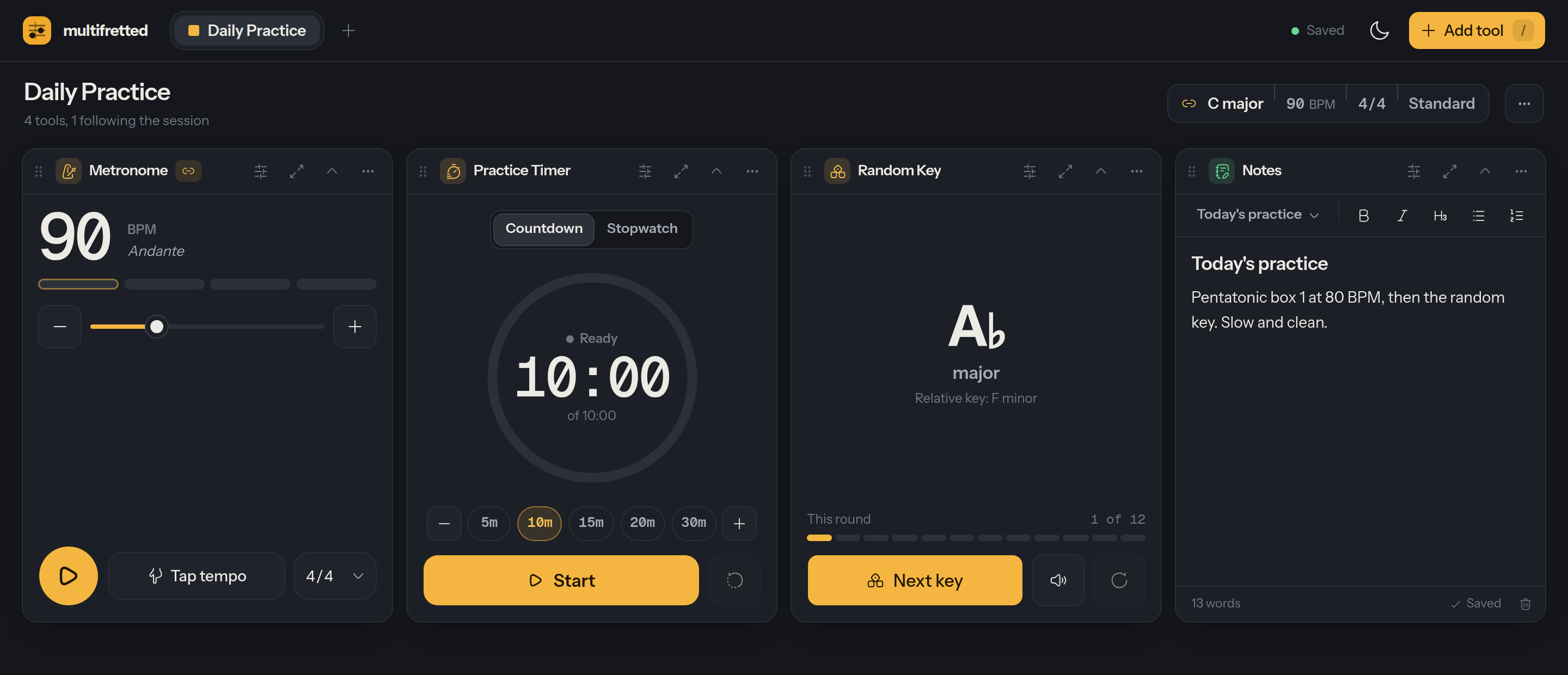
Metronome, practice timer, fretboard, chord charts and more, side by side, all following the same key and tempo. No account needed.
The tools
Mix and match on any bench. More are on the way.
MetronomeSteady click with tap tempo, accents and time signatures.
Practice TimerCountdown or stopwatch for focused practice blocks.
Random KeyPractice in a random key. Every key comes up once before any repeats.
Fretboard ExplorerMap any scale across the neck, in any tuning.
Circle of FifthsKeys, signatures and diatonic chords at a glance.
Chord ExplorerDiagrams, fingerings and alternate voicings.
Capo TransposerSee what your chord shapes sound like with a capo.
NotesQuick, auto-saving notes for lessons and ideas.
Coming soon:
Tempo Trainer
Scale Positions
Triad Map
Interval Explorer
Chord Builder
Alternate Tunings
Progressions
Tuner
Tone Generator
Drone
Practice Journal
Up and running in a minute
- 1Open the appNo download and no account. It runs in your browser on any phone or computer.
- 2Build your daily benchA one-minute guide sets up a metronome, timer, random key and notes for you.
- 3PracticeAdd more tools when you need them. Your benches are there next time you open the app.